 POTLOCK
Campaign Page on POTLOCK: Phases, Leaderboard, Settings
2025-09-22 · 3 min read
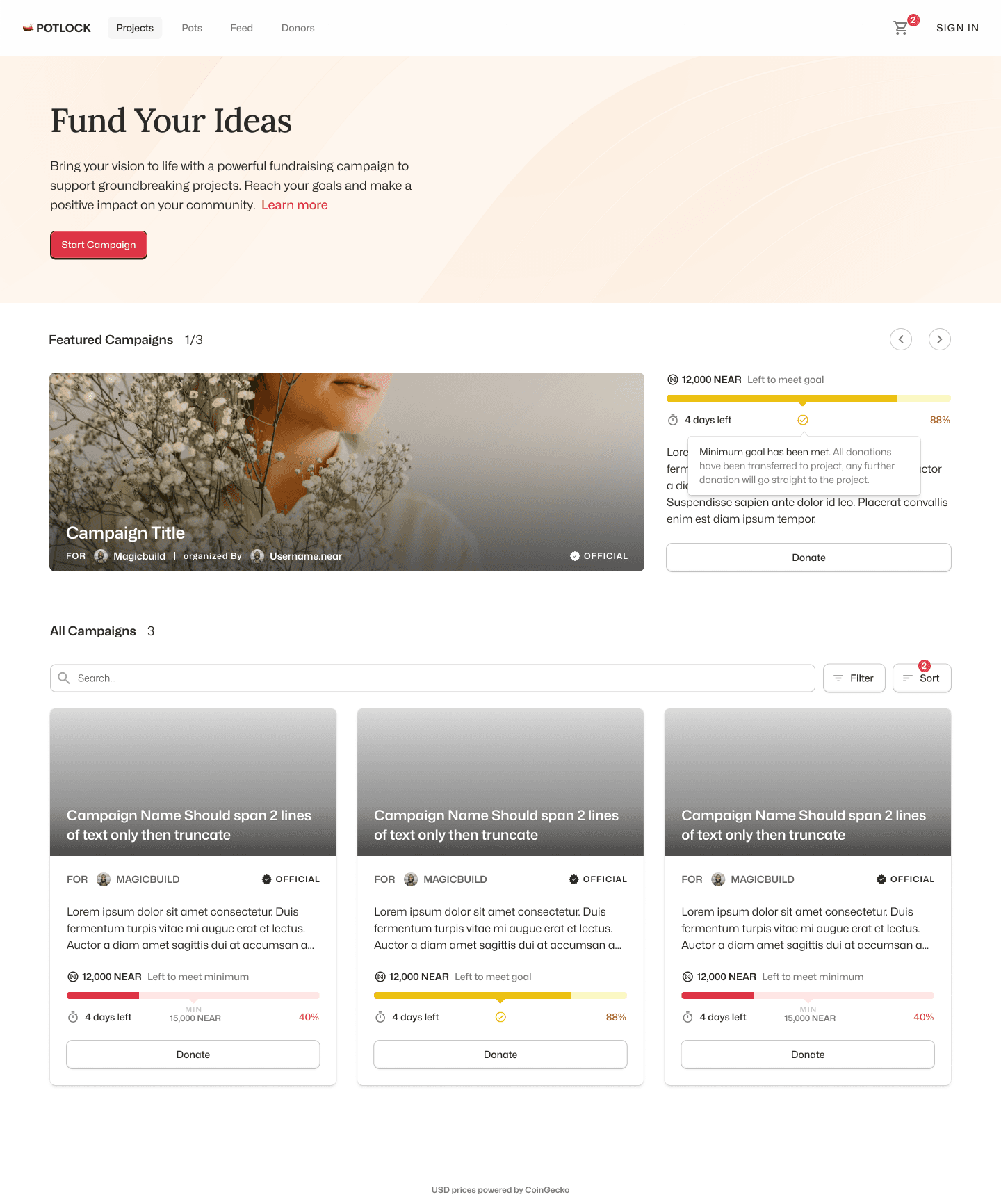
Phases
- Red: Minimum target not hit.
- Green: Campaign goal reached.
- Yellow: Minimum satisfied; donations pass through to the project.
Referral and history
When logged in, use "Share to Earn" for a referral link (earn X% per campaign settings). View past donations in History.
Leaderboard and settings
Leaderboard ranks by donation amount. In Settings you can view funding goals, duration, referrals, and protocol fees. Admins/owners can edit campaigns (change info); you cannot change beneficiary, minimum target, or end date once set. Campaign ID on contract stays the same. See docs.potlock.org.